
 CA
CA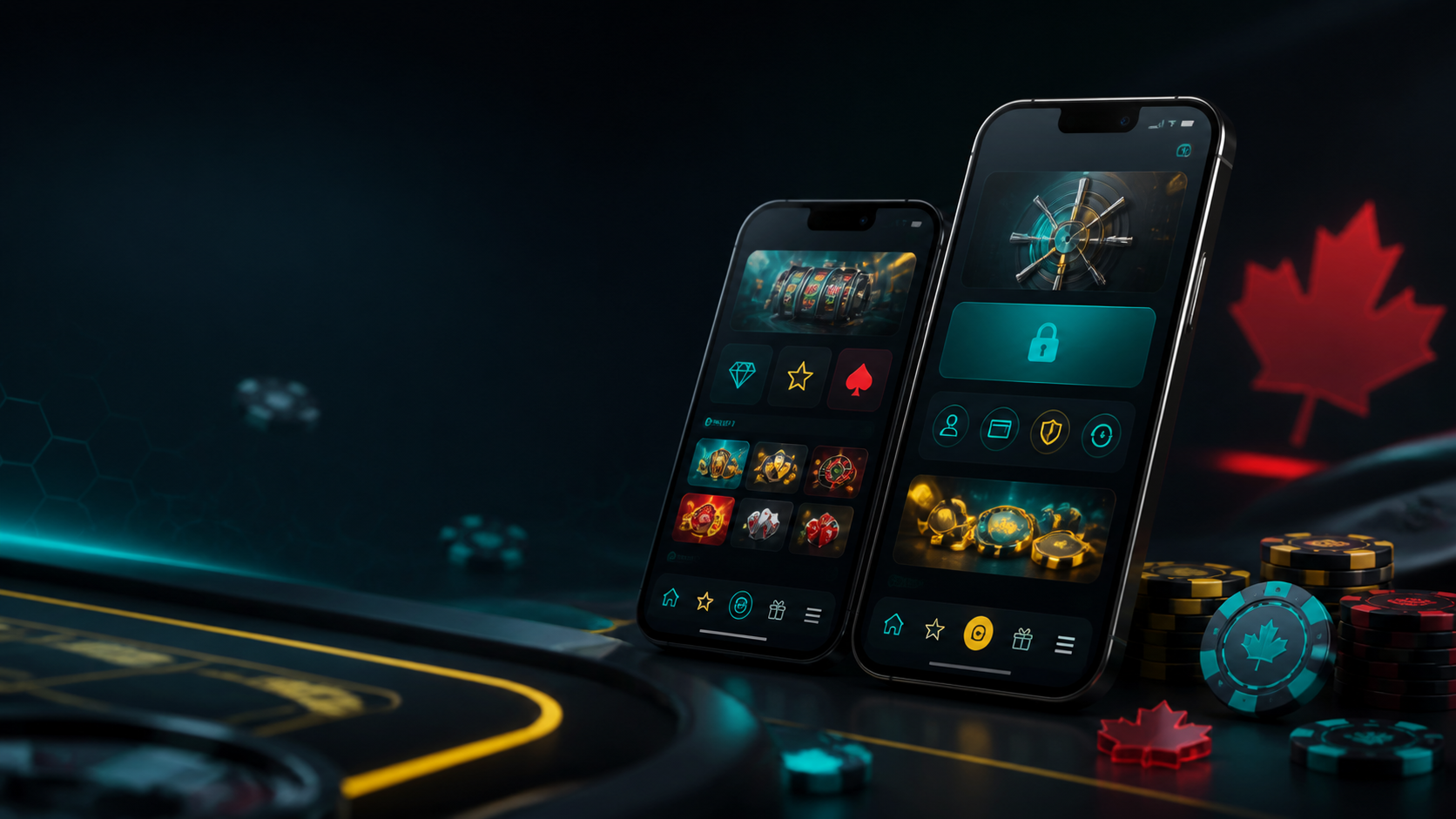
PlayBaze Mobile App for Canadian Players
PlayBaze brings its full casino to your phone. The mobile build mirrors the desktop site, so you get the same slots, live tables, bonuses, and cashier on a smaller screen. You sign up, deposit with Interac, and cash out without a computer. The games load fast and fit any modern phone or tablet. Your account stays one tap away during a coffee break in Vancouver or a train ride in Toronto. Mobile play now leads for many Canadians, and PlayBaze builds its mobile setup around that habit.
PlayBaze covers both routes to mobile play. You install a light app, or you open the site in a browser. The lobby holds thousands of slots, a live dealer floor, table games, and crash games. You reach all of it any hour of the day. Current promotions and VIP features work the same on mobile as on desktop. This page walks through each option, the device specs, the perks, and the answers to common questions.

PlayBaze on Any Device
Open the mobile site in your browser or add it to your home screen — full lobby, same bonuses, same cashier.
How to Download and Install the PlayBaze App
It takes a minute to get the PlayBaze app as the casino cannot use the Apple and Google stores which only allow provincially licensed gambling apps․ Instead‚ you can add a home-screen web app on iOS devices‚ or download an APK file for Android devices from the official PlayBaze website․
Once you've got your icon on the home screen you can just tap in and go to lobby‚ and there isn't even a browser step․ Since the app keeps you logged in‚ you won't have to enter your login each time you visit․ Either way‚ it'll take less than a minute with a regular connection․
Guide for iOS Users
iOS users add PlayBaze straight to the home screen. Follow these steps.
- Open Safari and go to the official PlayBaze website.
- Tap the Share icon at the bottom of the screen.
- Pick Add to Home Screen from the menu.
- Confirm the name, then tap Add.
- Open the new PlayBaze icon on your home screen.
- Log in or sign up, then start playing.
The iOS app is a web app‚ meaning it does not have to be downloaded from the App Store‚ but is automatically updated․ On its home screen‚ it behaves like an app: it runs in full screen mode with no browser bar‚ and it also sends push notifications after permission has been granted․
Guide for Android Users
Android users install a small APK file from the site. The steps below cover it.
- Open Chrome and go to the PlayBaze mobile site.
- Tap the Android download button to fetch the APK file.
- Open the file once the download finishes.
- Allow installs from this source if your phone asks.
- Finish the quick install, then open the app.
- Log in or register, then play your games.
The APK runs about 35 MB and checks for updates at launch. Download it only from the official PlayBaze site, never from a forum or a random link. These outside files can carry malware and put your details at risk. The direct route exists for one reason. Google Play lists only provincially licensed gambling apps, so the casino hands you the file straight. The download comes over a secure HTTPS link, and the app verifies itself each time you open it.
A few checks make the install smoother:
- Connect to a stable Wi-Fi network, not a public hotspot.
- Free up a little storage for the file.
- Update your operating system to a current version.
- Use the official PlayBaze site as your only download source.
PlayBaze App Features and Benefits
Full Game Library on Mobile
Every desktop game is available on mobile․ You can scroll through thousands of slot games‚ whether they're classic three-reel games‚ Megaways slots or jackpot games․ Live floor games include blackjack‚ roulette‚ and baccarat with live dealers․ Aviator and other crash games are also available as instant games․ The site has a search bar and other filters for easy game finding․
Portability
With the app the entire casino is in your pocket: you can play on the train‚ during lunch hour or in the evenings at home․ There's a universal build for phones and tablets‚ meaning the games look the same regardless of your device․ Your account syncs in the background‚ so you can pause and pick up anywhere․
Security
PlayBaze uses SSL to encrypt your data every time it is sent over the network․ Two-factor login can also be enabled․ Deposits and withdrawals are handled through the same secure cashier as the desktop version‚ and logging in with the device's Face ID or fingerprint is another quick security measure․ Full card numbers are not displayed in the cashier․
Smooth Mobile Play
Games load quickly and the menus are easy to navigate․ Whether you prefer slots‚ table games‚ or live rooms‚ it only takes a tap or two․ The controls are one-handed with large buttons‚ and the screens and animations are smooth on mid-range phones‚ with the app remembering which games you played last for quick access․
Promotions on Mobile
PlayBaze does not currently list a separate install bonus․ Mobile players use the same public promotions as desktop players‚ including the first-three-deposit cash-match and free-spin choices‚ weekly cashback‚ Risk Free Bet‚ and VIP START․
Deposits and Withdrawals
Money can be managed within the app with instant deposits beginning from CA$20 and no fees․ The methods preferred are Interac e-Transfer‚ followed by cards‚ e-wallets and cryptocurrency․ To cashout‚ open the Cashier and select a withdrawal method and confirm your selection․ Withdrawals usually process within 24 hours․ If you have an active bonus‚ you must complete it before cashout or your request will be on hold․
App Requirements and Compatible Devices
The PlayBaze app will work on almost any phone or tablet from the past five years‚ so it only requires checking free space‚ the operating system‚ and updating if there is a newer version․ The OS is outlined below for iOS and Android‚ in that order․ A phone with specifications lower than these can run the mobile site‚ as discussed further down the page․
iOS Requirements
Operating system: iOS 13.0 or newer.
Devices: iPhone 8 or newer, iPad Air 2 or newer, and recent iPad Minis.
Storage: about 50 MB free for the web app and cache.
Connection: stable Wi-Fi or 4G LTE.
Display: Retina screen for sharp visuals.
Android Requirements
Operating system: Android 8.0 or newer.
Devices: recent Samsung, Pixel, Xiaomi, OnePlus, and other modern phones.
Storage: about 35 MB for the APK file.
RAM: 2 GB or more for smooth play.
Connection: stable Wi-Fi or 4G LTE.
Device lists and specs follow the HellPartners model and need a final check against the live PlayBaze app once it opens.

Three Deposits, Six Choices
Select a cash match or free-spin alternative before each of the first three qualifying deposits.
Get BonusPlayBaze Mobile Web Version
As not all players download PlayBaze‚ the mobile site works well with Safari‚ Chrome‚ and Firefox internet browsers as an alternative; it has the same games‚ bonuses‚ cashier‚ and support facility as the app․ In addition‚ the site is responsive and adjusts to any screen and loads quickly․
It's great for older phones‚ those with limited storage space‚ or anyone who wants to play ASAP․ You reach promotions, banking, and customer support straight from the menu. The same SSL encryption guards your data here too. For a desktop session at home, the full site offers the same lobby on a bigger screen.
The choice comes down to habit. The app gives one-tap access and the browser site asks for no install and saves storage. Both carry the same games‚ cashier‚ security‚ and current promotions; neither route has a separate install bonus listed.
Frequently Asked Questions
How do I install the PlayBaze app on my phone?
Does the PlayBaze app work on both Android and iOS?
What do I do if the app crashes or will not update?
Does the PlayBaze app give mobile-only bonuses?
Why can I not open some games in the app?
Is the PlayBaze app free?
Can I deposit and withdraw from the app?
Do I need a promo code in the app?
Is the PlayBaze app safe to install?
Does the app use a lot of storage?
Play Responsibly
PlayBaze encourages people to gamble responsibly‚ via setting limits‚ taking breaks‚ and gambling only what they can afford․ The app supports responsible gambling via deposit limits‚ time-outs and self-exclusion settings․ Canadian players can contact the Responsible Gambling Council‚ ConnexOntario‚ or GameSense for private‚ free support services․ Legal gambling ages are either 18 or 19 depending on the province․
Author: Daniel Tremblay, iGaming Analyst
Last updated: June 2026